
THE PROBLEM
You're listening to what's on—not necessarily what's best for you right now.
A better song may be playing somewhere else, but without constantly checking stations yourself, you'd never know.
Live radio,
with a heads-up.
Why sit through a commercial or a just-okay song when one of your favorites might already be playing on another station? HeadsUp Radio's Smart Seek gives you the heads-up.
SMART SEEK
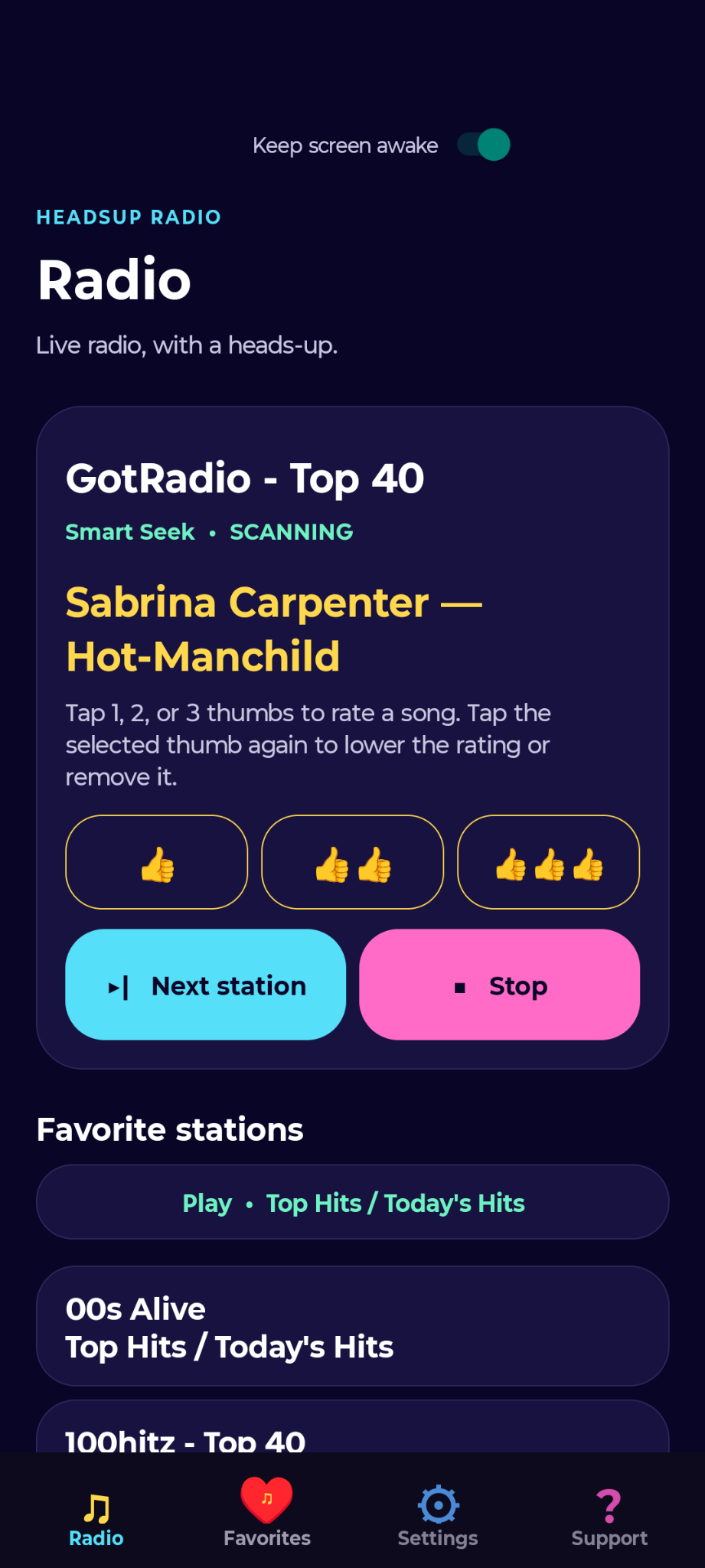
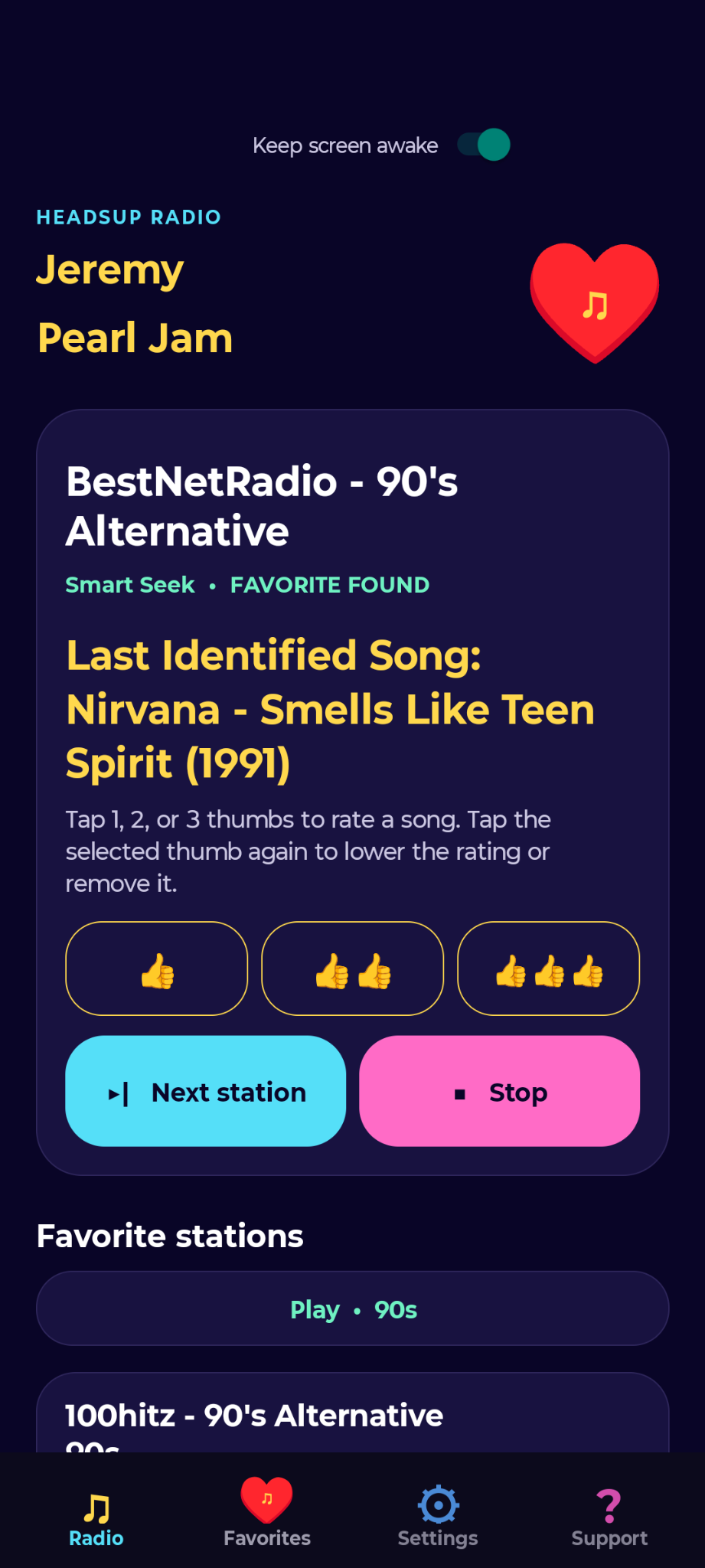
Live radio is unpredictable—that's part of the fun. But commercials, talk breaks, and songs you only kind of like happen too. Smart Seek watches your other Favorite Stations and gives you a heads-up when a Favorite Song or Artist is playing.
THE PROBLEM
A better song may be playing somewhere else, but without constantly checking stations yourself, you'd never know.
THE SOLUTION
Smart Seek quietly watches your eligible Favorite Stations. When one of your favorites shows up, HeadsUp Radio tells you so you can switch—or optionally let Auto-Smart-Seek switch for you.
Save the live stations you enjoy and organize them with your own tags.
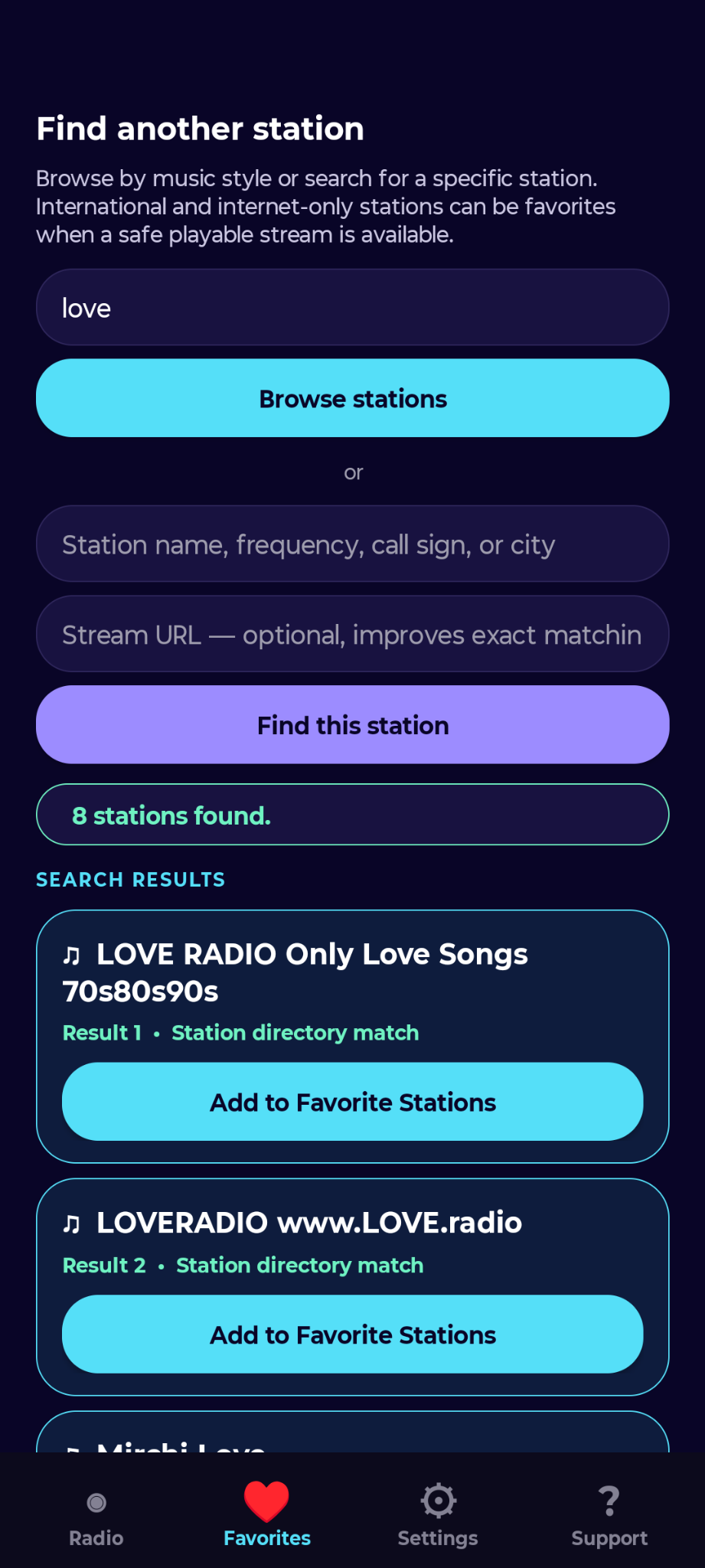
Add Favorite Songs and Favorite Artists, with simple one-to-three thumb ratings.
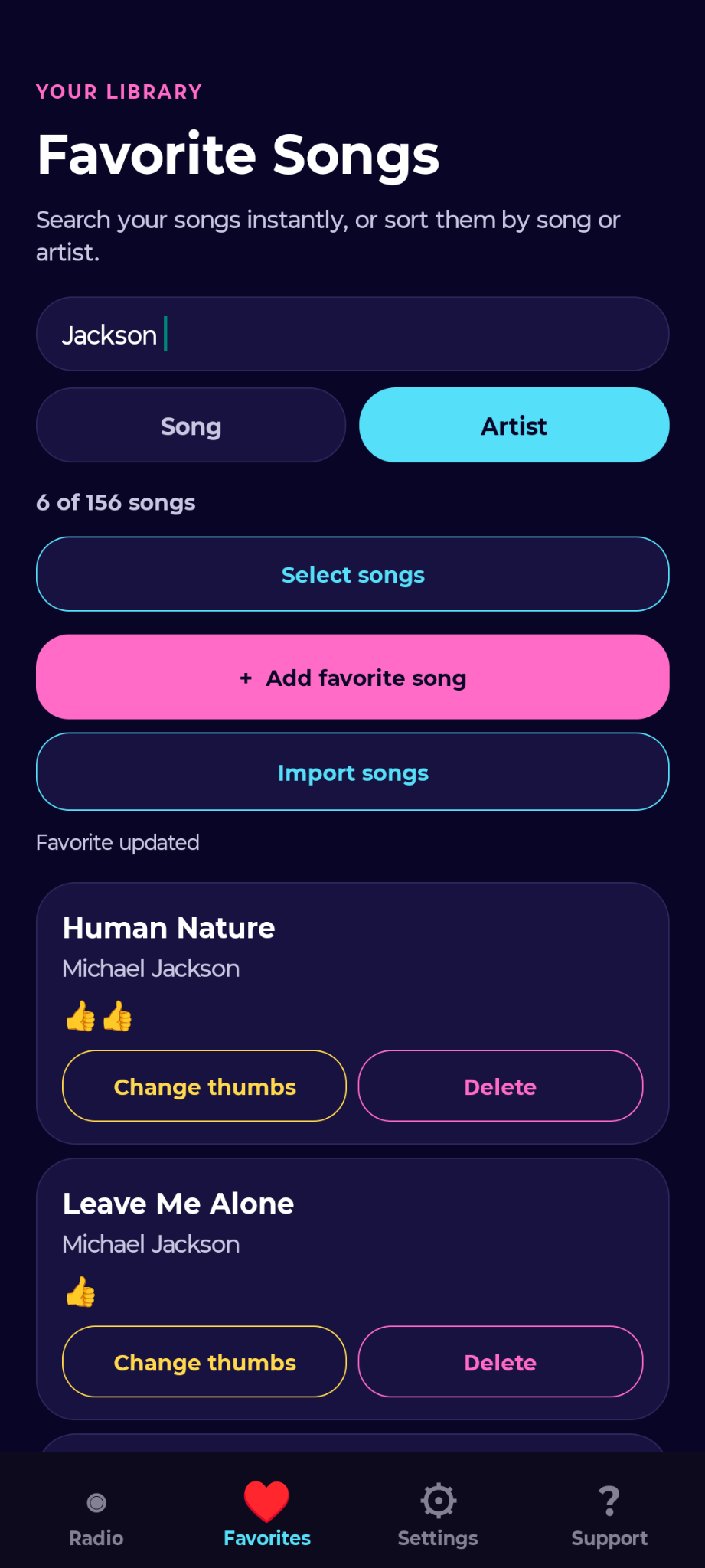
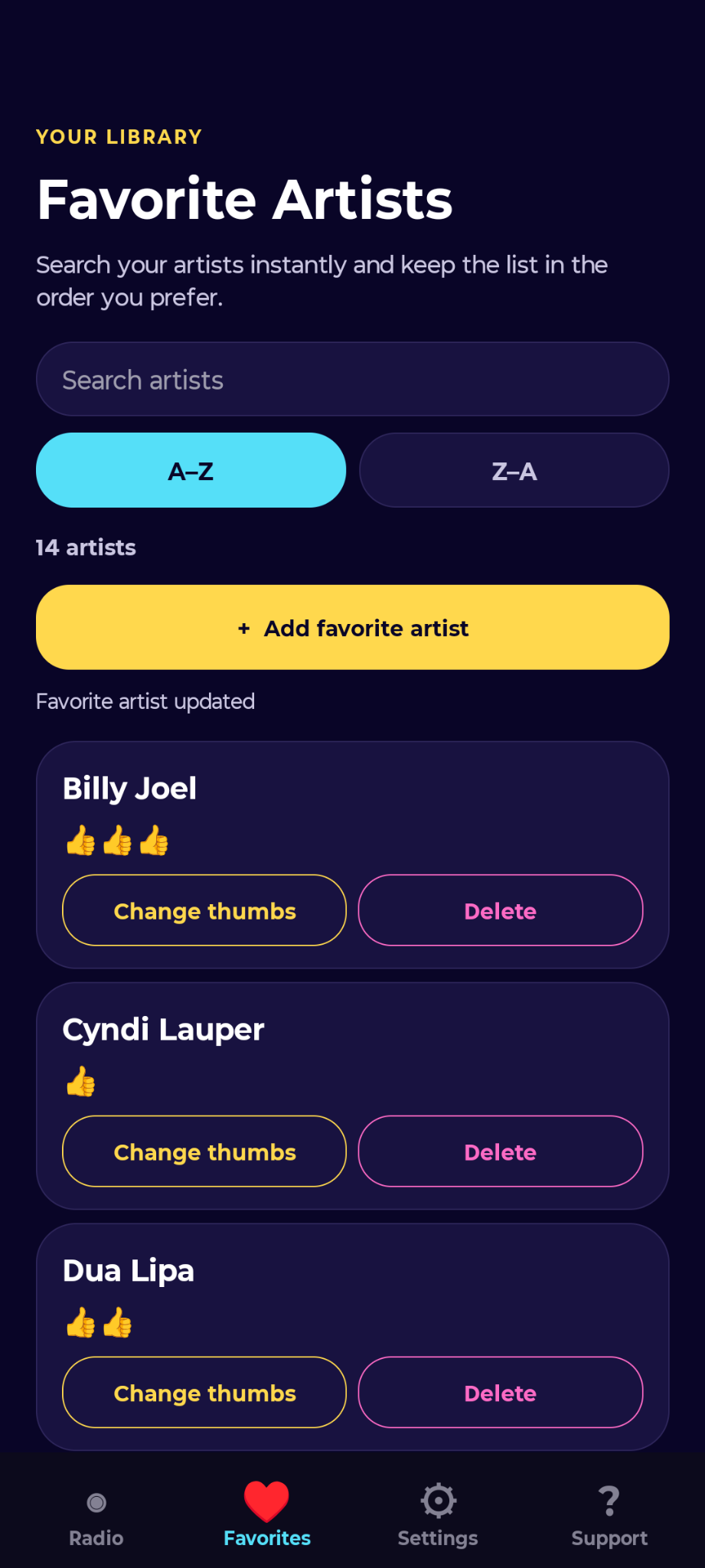
Smart Seek watches eligible Favorite Stations and alerts you when a qualifying favorite appears.
An algorithmic rut can make millions of songs feel like the “same 50 songs” on repeat. Live radio puts each station in charge of the mix. HeadsUp watches your saved stations for the songs and artists you love.
Designed for drivers, HeadsUp lets you listen without constantly supervising or babysitting the app. Android Auto support, large controls, and optional automatic switching keep everyday listening simple. Choose your stations before you set off, then let Smart Seek give you a heads-up when a favorite is playing.
Make tags like “Road Trip,” “Chill,” or “90s” and group stations your way. Mix country, pop, and rock under one tag, or keep different moods separate. Select a tag so Next Station moves through that group. A station can have several tags, so it can belong to more than one mix.
Bring favorite songs from popular music services such as Spotify, Pandora, Amazon Music, and YouTube Music. HeadsUp accepts compatible CSV song lists from export tools such as TuneMyMusic and Exportify. For example, export a Pandora song list with TuneMyMusic, then choose Import songs in HeadsUp. Matching songs become Favorites that Smart Seek can watch for on live radio.
PRIVATE BY DESIGN
Favorite Song and Artist preferences are operationally stored on your device and in backups you choose to create. They are not uploaded to HeadsUp Radio servers as a central listening-profile library.
Support diagnostics are sent only when you explicitly submit a problem report, and automatic diagnostic fields are deliberately bounded and content-minimized.
OPEN DEVELOPMENT
In-app bug reports are tracked so users can confirm that a report was received and follow its public status as it is investigated and resolved.